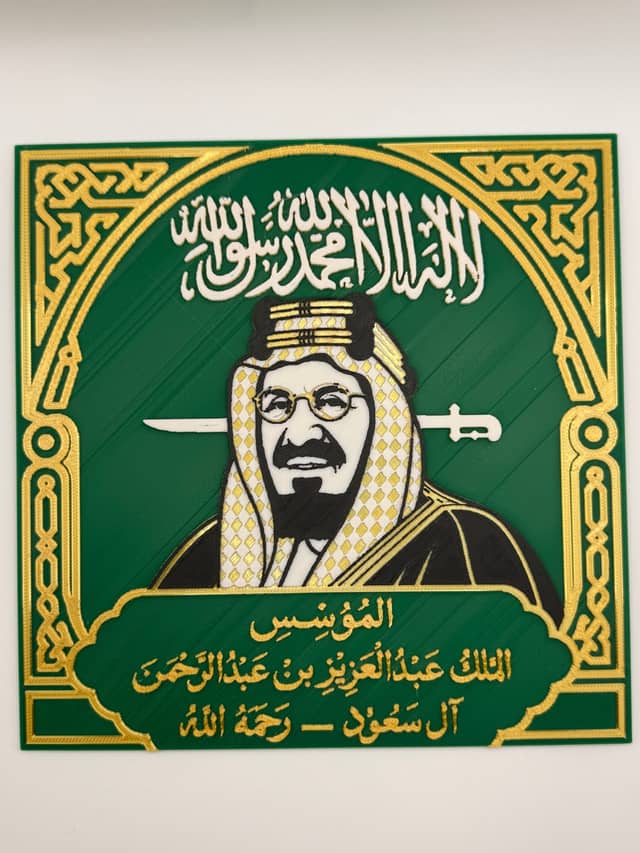
✓ Verified U1
Print profiles our server has opened and confirmed — and, wherever a maker photographed what came off the bed, the photograph itself, confirmed by a moderator as a real print rather than a render. The counts below are exact, and they are not all the same number. A photo of a real print is the part nobody can copy.
Our server opens the file
When a .3mf is hosted here, the server downloads it again and reads the slicer settings inside it: the printer it was made for, layer height, nozzle and filaments.
It writes down what it read
Every setting it found goes on a public receipt, with a fingerprint of the exact bytes it checked. No maker or admin can tick this box by hand.
You can check your copy
Open a receipt and pick the file you downloaded. Your browser compares the fingerprints; the file never leaves your computer.
Print photos are a second, separate signal: the maker supplies one and a moderator confirms it is a photograph, not a render. A listing that links to a file hosted elsewhere can’t get the file check, because there is no file here to read; it can still get a confirmed photo.
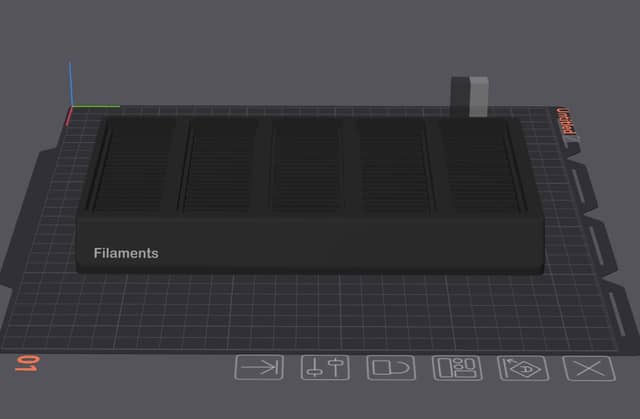
Design by Jove · profile by Turki
PLA · 5 colors · 0.2 mm layers
Full Spectrum mixing

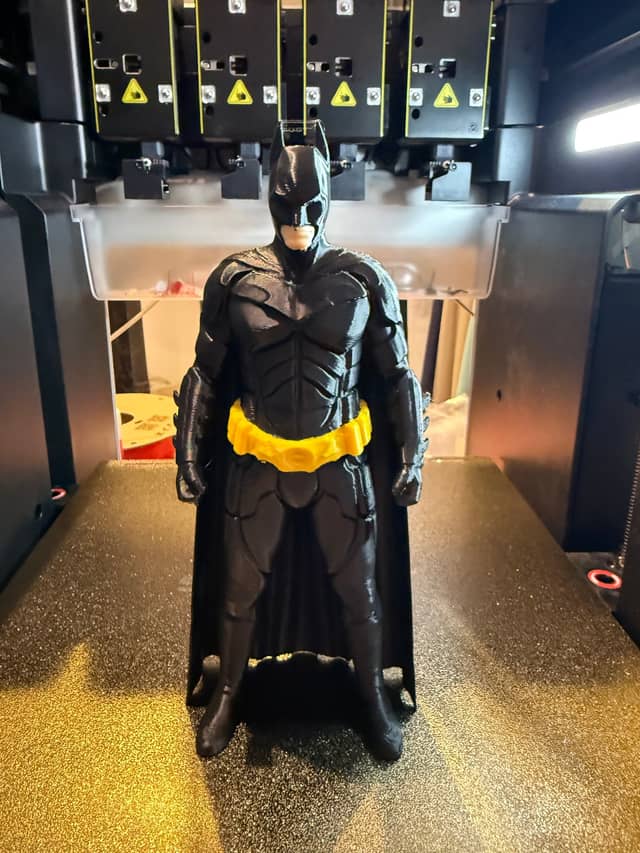
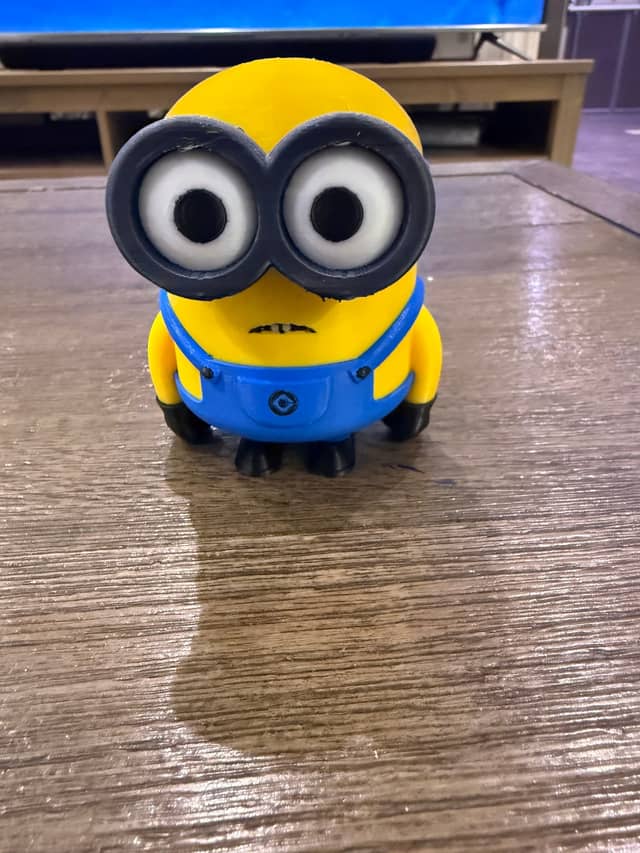
Design by ShapeShift 3D Creations · profile by Turki
PLA · 4 colors · 0.2 mm layers
Printed something?
Attach the .3mf you printed and a photo of the result. If it checks out as a genuine print profile, it lands on this page.